

Aa Reading preferences
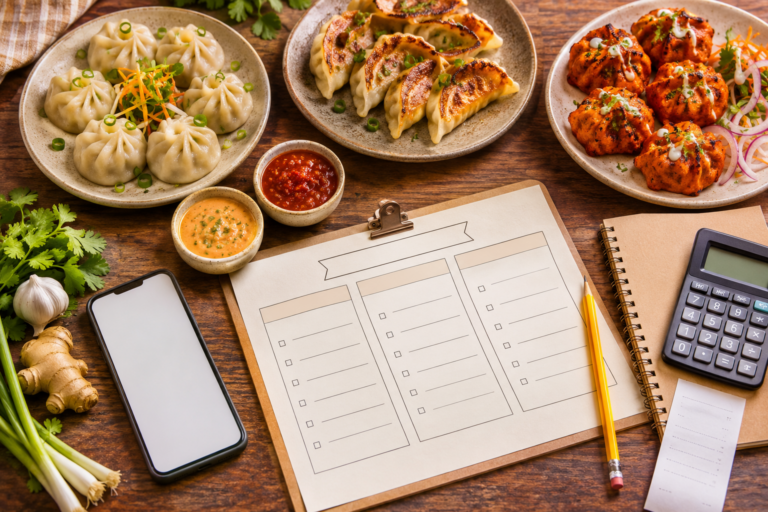
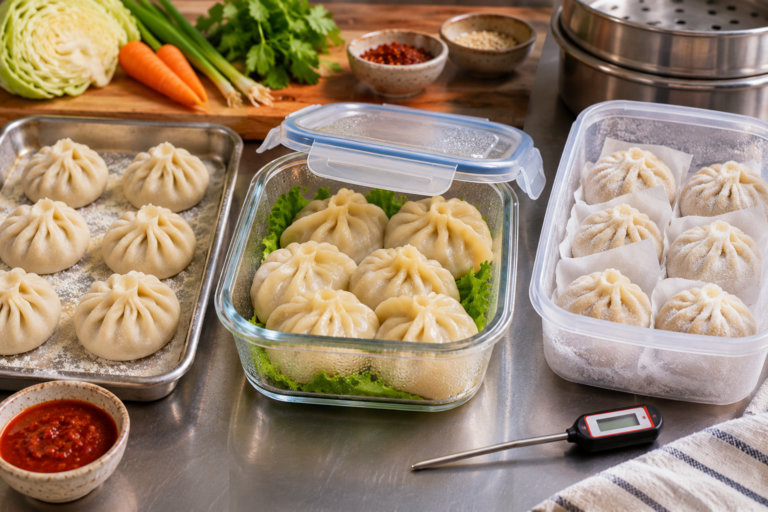
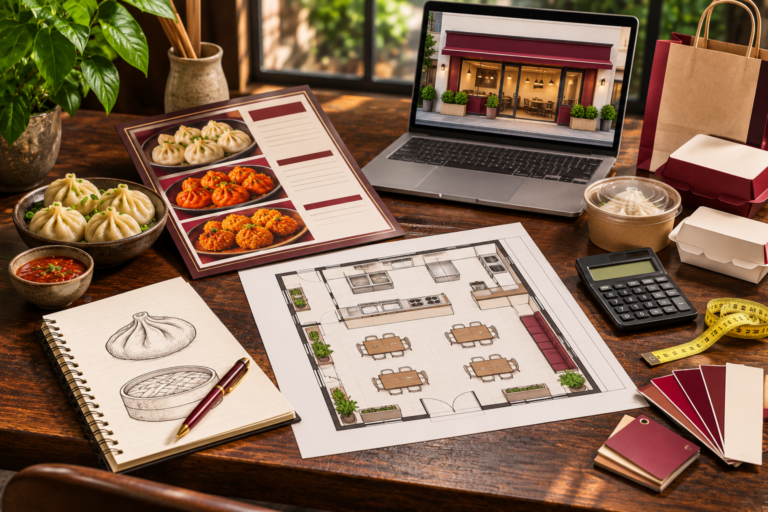
This guide shows restaurants, cloud kitchens and small food brands how to plan a repeatable smartphone photography session, select the right hero and detail shots, create accessible image files, improve Google Search and Maps menu information, and measure results without promising search rankings or sales. It is an educational photography process, not a claim that the images in this article show actual Momo Delights menu items.
The Momo Delights menu includes steamed, fried/kothey and other momo styles; the brand’s outlet directory is the reference point for actual locations. For product-specific photos, use verified current dishes made to their normal serving specifications.
The first rule: photograph the product customers actually get
A photo that exaggerates the filling, uses extra dumplings or shows a sauce not included with the order can mislead customers. Good food photography combines appealing presentation with truthful ingredients, portion count and texture. Before shooting, confirm the actual plate or pack specification: how many momos, what filling, whether the sauce is included, and whether toppings are normally served.
Google’s Business Profile media rules advise that photos be in focus, well lit and free from significant alteration or excessive filters. Its business-specific photo guidance explicitly says pictures should represent reality and suggests showing real food and drinks served by the business. That is why a conceptual AI image can illustrate an editorial article about photography but should not be reused as proof of a real menu dish or venue.
Use current approved product information, take the photograph during a real preparation session and record the dish name, outlet and shoot date. If a recipe, serving size or packaging changes materially, review whether the old image still represents the product.
A practical momo photography shot list
You can create a useful set of images in one organised session. A versatile product collection may include the views below; the exact framing and dimension requirements of each ordering platform should be checked before export.
| Shot | What customers can learn | Suggested composition |
|---|---|---|
| Menu hero | What the complete item looks like | Whole actual portion, sauce and plate visible; minimal clutter |
| 45-degree view | Wrapper height and surface texture | Camera a little above plate height |
| Overhead view | Count, arrangement and sides | Top-down shot with clean background |
| Texture close-up | Soft pleats, crisp kothey base or kurkure coating | Focus on a representative detail |
| Cut-open view | Actual filling, when appropriate | One genuine prepared momo cut cleanly |
| Takeaway view | Normal packaging and included accompaniments | Actual supplied box, lid and dip cup |
| Outlet context | Where the food is prepared or served | Real storefront or dining counter, with permission |
Not every menu item needs all seven frames. A more manageable first pass is one accurate hero image per priority dish, followed by additional detail views for items where texture or filling is a significant difference.
Simple lighting that works for momo photos
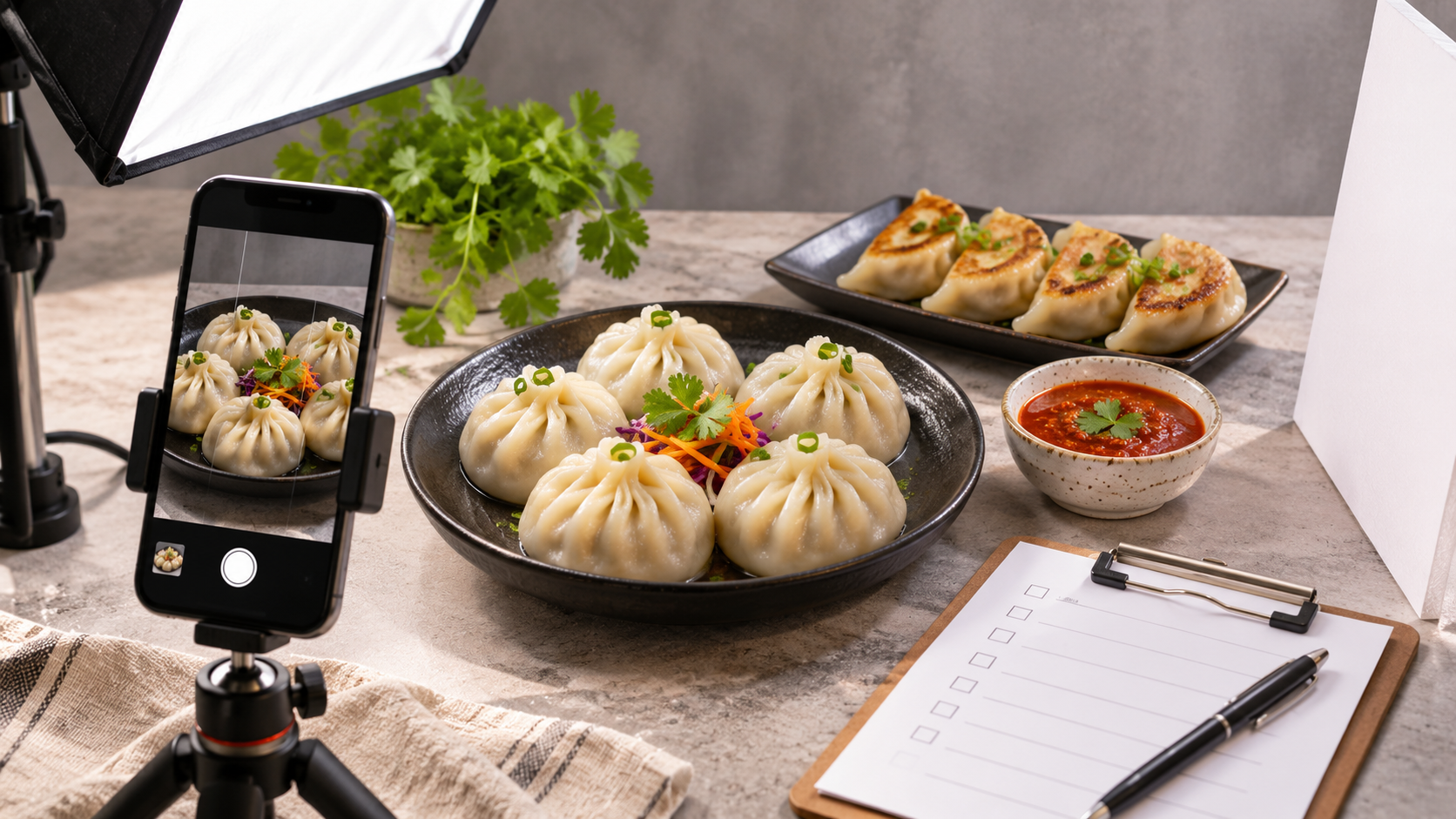
A smartphone is often sufficient if light is controlled. Place the plated dish near a large window or a soft artificial light source and avoid mixed colour temperatures where possible. Diffuse harsh light with a suitable translucent modifier positioned safely away from hot equipment. A white or neutral reflector can add detail to the shadow side of the wrapper.
Keep the background simple, the lens clean and the camera steady. Tap to focus on the dumplings, avoid unnecessary digital zoom, and review the full-resolution image for motion blur before the food cools or loses its ideal appearance. Preserve believable colour; a very orange or green filter may make actual ingredients difficult to identify.
Useful smartphone setup: turn on the framing grid, compose a level image, protect the highlights in white steamed wrappers and take several slightly different angles. Do not use a beauty filter that invents filling texture or changes the apparent size of the serving.
Photographing steamed, kothey, kurkure and tandoori momos
Each momo style has a distinct visual story. Do not use one generic white-dumpling photo for every product.
| Style | What the shot should reveal | Avoid |
|---|---|---|
| Steamed | Soft wrapper, pleats, filling shape, true piece count | Overexposing pale wrappers so they lose detail |
| Kothey | Authentic browned contact surface and tender top | Hiding the crisp base and using a normal steamed-momo image |
| Fried | Actual browned exterior and portion | Artificially amplifying golden colour beyond the real food |
| Kurkure | Actual crumb or crunchy coating texture | Showing a coating the product does not contain |
| Tandoori-style | Real spice finish, coating, grill/roast appearance | Adding digital flames or misleading smoke |
| Paneer or spinach-corn filling | Actual filling when cut-open images are useful | Substituting a different filling or generic stock photography |
If the dish uses a sauce served separately, include it when appropriate but avoid covering the dumpling’s most distinctive surface before shooting. For perishable food, photographing should follow safe hygiene and serving procedures; do not leave an actual customer order unrefrigerated or unsafe just to obtain a better picture.
An eight-step photography workflow for a restaurant team
- Choose approved SKUs. Start with popular, distinctive or commonly searched items—not an invented menu item.
- Confirm specifications. Check serving count, ingredient/filling name, toppings, sauce inclusion and allergen description.
- Prepare shot space. Clean the surface and lens, set up light and a neutral background, and ensure the setup doesn’t obstruct food hygiene or kitchen work.
- Photograph one normal serving. Capture hero, overhead and texture details while the food is fresh and safe.
- Review immediately. Check focus, lighting, actual portion accuracy and whether the image crops any important food details.
- Record metadata. Store the actual item name, shoot date, outlet, ingredients/serving notes and image rights.
- Export platform-specific copies. Use the platform’s current size, ratio, compression and file requirements rather than applying one universal crop.
- Publish and monitor. Add approved photos to the correct menu items and check for mismatch, complaints or stale imagery later.
How to add real menu photos on Google Business Profile
Google’s Business Profile menu editor allows many restaurant businesses to organise menus into sections and add item descriptions and prices, where the feature is available. It also provides options for uploading a menu photo or PDF; Business Profiles managed by the API may have different controls. Google notes that menu edits can take about 24–48 hours to appear on Search and Maps.
Google’s photo requirements recommend JPG or PNG, sizes from 10 KB to 5 MB, at least 250 × 250 pixels, with a recommended 720 × 720 pixels, and real, reasonably unaltered imagery. These are Business Profile recommendations—not a universal specification for every food-delivery platform.
Check that the correct current dish photo is associated with the right outlet and that old customer-uploaded menu pictures are not being mistaken for the latest price list. For a multi-location brand, an outlet that doesn’t serve an item should not advertise it simply because another branch does.
Google’s restaurant-oriented guidance is available at Google Business Profile for Restaurants. The site should also maintain an accurate menu URL to support customers who want more detail.
Image SEO for momo menu pages and articles
Good image SEO is a clarity practice, not keyword stuffing. Google’s Image SEO Best Practices recommend descriptive filenames, meaningful alt text, helpful captions and images placed near relevant page text. Google may combine page content and computer vision to interpret images; no alt-text formula guarantees rankings or AI-answer inclusion.
Examples of descriptive image metadata
| Field | Better illustrative example | Why it helps |
|---|---|---|
| Filename | steamed-vegetable-momos-red-chutney.jpg |
Describes the real subject briefly |
| Alt text | Six steamed vegetable momos with red chilli chutney on a ceramic plate | Accessible description without keyword repetition |
| Caption | Steamed vegetable momos photographed at the outlet, date verified | Offers context and source transparency |
| Dish heading | Steamed Vegetable Momos | Connects image with an accurate item name |
| Page description | Includes actual filling, cooking style and serving details | Helps customers and search understand what is offered |
The examples are not claims about the exact Momo Delights serving count or ingredient formulation. For a branded product page, fill in the verified true values, ideally from the approved item specification. Use original images that you own or have the necessary rights to publish; credit and permission do not automatically license unrelated third-party photographs.
Which image formats should restaurants use?
Use the current file formats and dimensions required by the destination. For Google Business Profile, JPG and PNG meet the documented format requirements; website images may also benefit from appropriately compressed modern formats where browser and platform support allow. Avoid exporting unnecessarily enormous files that slow down mobile ordering pages.
Keep a high-quality master, then generate separate crops for menu cards, article featured images and social sharing. Preserve the correct dish count and recognisable presentation in each crop. If a square menu thumbnail removes the sauce or hides the filling, recompose or select a more suitable shot instead of digitally inventing details.
What about structured data and AI discovery?
Structured data can help search engines understand eligible content when it matches what users actually see. Google’s LocalBusiness structured-data guidance explains how a business can describe aspects of its real-world location. It is not permission to generate imaginary star ratings, hours, prices or product availability. Article markup and appropriately supported restaurant data should remain consistent with the live page.
For AI discovery, clear item names, true descriptions, genuine visuals, accessible alt text, consistent location information and useful answer-oriented content are more defensible than unsupported claims of guaranteed “AI ranking.” The brand menu, outlet directory and allergen information offer important destinations for such consistency.
How to know whether photography improvements are working
Use a clear baseline and interpret the results carefully. Google’s Business Profile performance documentation includes available views, searches, website clicks, directions, calls and menu interactions. Those are discovery or engagement metrics, not confirmed orders or profit. Combine them with restaurant POS and delivery analytics where legitimately available, without claiming that a rise in menu clicks caused a specific increase in sales.
| Change tested | Useful observation | What not to conclude |
|---|---|---|
| Replace blurry dish hero | Menu engagement and customer clarity feedback | That more views automatically equal more sales |
| Use accurate cut-open photo | Questions about filling, complaints, item selection | That every customer prefers the photographed filling |
| Correct outdated menu image | Price confusion and service complaints | That rankings will improve immediately |
| Show real takeaway pack | Expectation accuracy and packaging feedback | That packaging is food-safe without validation |
Make one meaningful change at a time where feasible, track comparable periods and account for menu changes, promotions, holidays and differences in demand. Keep the image library updated when recipes or presentation standards change.
Photography checklist to reuse for each dish
- Actual SKU and serving size checked against the current menu.
- Genuine item cooked to the approved procedure with correct sauce and sides.
- Good light, stable camera, clean background and accurate colour.
- Whole serving, texture and optional cut-open shot captured.
- Images reviewed for blur, inappropriate alteration or misleading garnish.
- File named descriptively; alt text, caption and usage rights recorded.
- Correct versions prepared for website, Business Profile and ordering channels.
- Location, availability and allergen details verified before publication.
Restaurants and brands wanting to explore Momo Delights’ current foodservice offerings can use the HoReCa/B2B page. A catalogue or sample photo alone does not prove current stock, formulation or distribution arrangements.
Momo photography and online-menu FAQs
Can I take professional-looking momo photos with a smartphone?
Yes. Good light, clean composition, stable focus and genuine product presentation matter more than owning expensive camera gear.
What is the best angle for steamed momos?
Try a slightly elevated three-quarter view for wrapper texture and an overhead view for serving count; choose the angle that accurately shows the actual product.
Should I use one photo for steamed and fried momos?
No if the finishes look materially different. Give customers a truthful picture of what they are ordering.
Can I use an AI-generated momo image on Google Business Profile?
Google’s photo guidelines emphasise images that represent reality without excessive use of AI or filters. Use authentic product and location photographs for actual business listings.
What photo size does Google Business Profile recommend?
Google recommends 720 × 720 pixels, with a minimum of 250 × 250 pixels, within its supported file-size range. Other platforms may differ.
Do photos need alt text on a restaurant website?
Meaningful alternative text is an accessibility and image-understanding practice for informative images.
Can better photos guarantee higher rankings?
No. Search and ordering platforms use multiple systems and no single image update guarantees ranking or sales.
Should the photo show the real number of pieces?
Yes. Do not display a larger serving as though it is the normal paid portion.
What should be photographed first?
Prioritise currently available, frequently ordered and visually distinct items with missing or low-quality genuine images.